Web development
What a clinic website needs to turn visitors into appointments
Patients decide in seconds whether a practice looks modern, trustworthy and easy to reach. These are the building blocks that turn a visit into a booking.
By Zafirox Tech Team · · 3 min read
People looking for a dentist, doctor or any local clinic usually search at a moment of need: a toothache, a cosmetic plan, a child's check-up. They compare a few results quickly and contact the one that looks capable and easy to reach. A clinic website therefore has one main job: make the next step obvious and effortless. The features below are the ones we put to work when we built the website for Dental Oasis Center, a clinic in Karachi.
Make urgent help impossible to miss
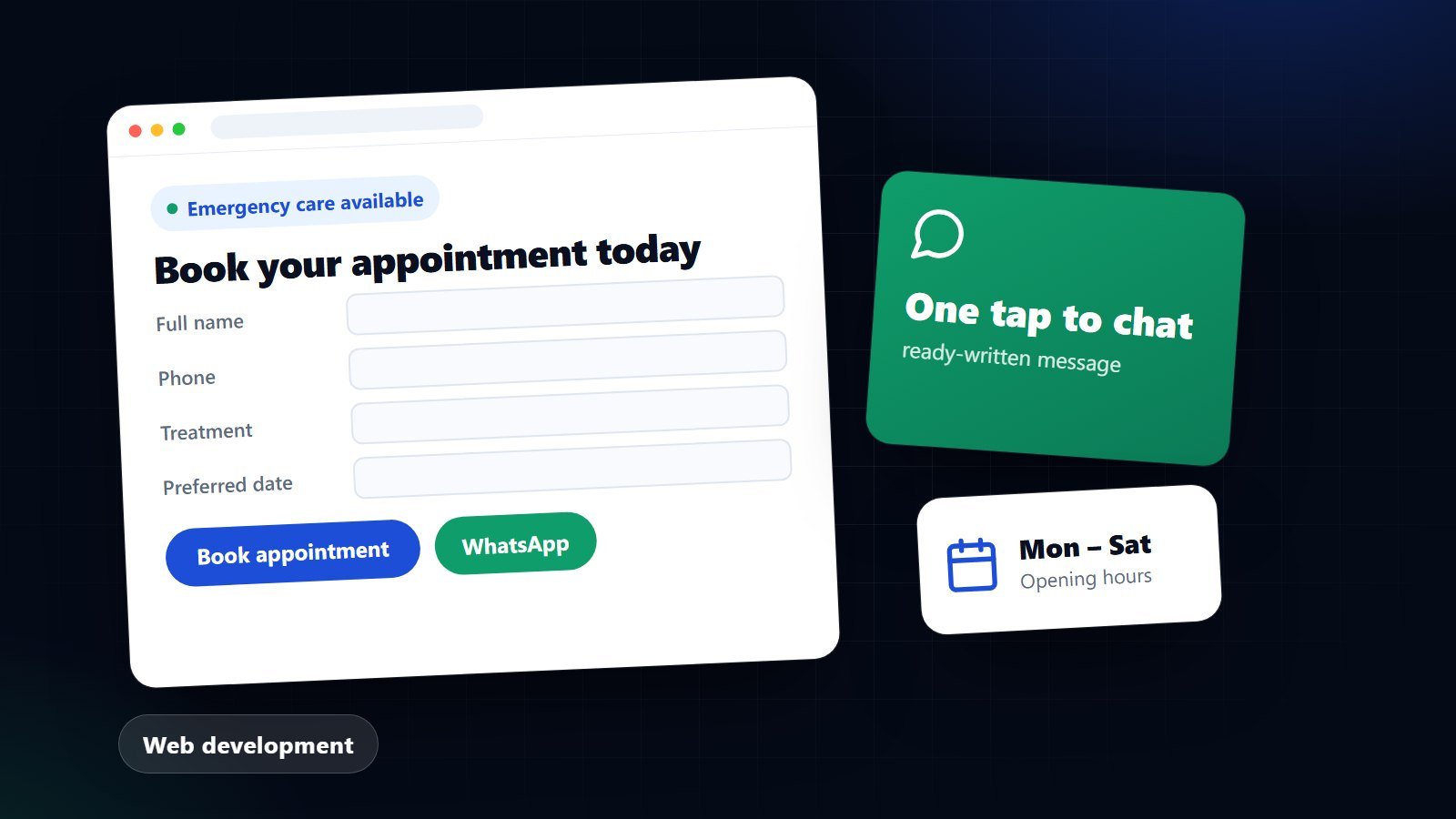
If you handle emergencies, say so above the fold with a clear badge and two buttons: book an appointment and message on WhatsApp. Patients in pain do not scroll. On a phone, a sticky bar with Call, WhatsApp and Book keeps those actions in reach as they read.
Give booking more than one door
Not everyone wants to fill in a form, and not everyone wants to phone. Offer an appointment request form that asks only what the clinic needs (name, phone, treatment, preferred doctor, preferred date and time) and promise how you will confirm. Add WhatsApp click-to-chat with a ready-written message, so a patient can reach you in one tap. Each option catches patients the others would lose.
Write a page for every treatment people search for
Search engines send patients to the page that answers their question. A "Services" page that lists thirty treatments in one paragraph will not rank for any of them. Give the main treatments their own pages (scaling and polishing, teeth whitening, root canal treatment, implants, braces and aligners), titled and written around what people really search, including the area you serve. Explain what the treatment is, who it suits, what to expect and how to book.
Introduce the people
Patients trust people, not logos. Give each dentist a profile page with their role and specialism, and link it from the team page and from relevant treatment pages. Real names and honest descriptions beat stock photos and vague promises.
Show proof, carefully
- Reviews: display your genuine rating, link to Google reviews, and make it easy to leave one. Never invent or edit reviews.
- Before-and-after comparison: an interactive slider shows results without leaving the page. Only use images you have written permission to publish.
- Technology and hygiene: modern equipment, sterilisation standards and transparent pricing answer the quiet worries patients have.
Answer the practical questions
Opening hours, address and how to get there, whether you take emergencies, how pricing works. A short FAQ on the home page and on treatment pages removes reasons to hesitate and cuts repetitive phone calls.
Be fast and easy on a phone
Most clinic searches happen on mobile. Pages should load quickly, buttons should be large enough to tap, and text should be readable without zooming. Speed is also part of how search engines judge a page.
Care with patient information
An enquiry form should not ask for medical details it does not need. Explain how the information will be used and kept, get clear consent to be contacted, and delete old enquiries on a schedule. Check the advertising and data-protection rules that apply to your profession and country before publishing claims or results.
A short checklist
- Emergency badge, Book and WhatsApp buttons above the fold.
- Sticky call/WhatsApp/book bar on mobile.
- One page per major treatment, written around local searches.
- A profile for every clinician.
- Genuine reviews and, with permission, before-and-after results.
- Opening hours, location and an FAQ.
- Fast pages, clear consent and tidy data handling.
If you run a clinic and want a website designed around bookings, see how we approach website design and development and local SEO, or get in touch.