Digital marketing
Using WhatsApp Business to handle customer enquiries well
Customers already message businesses on WhatsApp. How to set it up professionally, connect it to your website and stay within the rules on consent.
By Zafirox Tech Team · · 4 min read
For many customers, especially in Pakistan and in communities across the UK, messaging a business on WhatsApp is more natural than filling in a form or sending an email. That makes it a powerful way to turn interest into sales, and an easy one to do badly. A slow, informal or confusing WhatsApp experience loses customers. This guide shows how to run it professionally, using the free WhatsApp Business app.
Business app or business platform?
WhatsApp offers two main products. The WhatsApp Business app is free, runs on a phone, and suits small teams that reply by hand. The WhatsApp Business Platform is designed for larger operations that connect through software providers, with automation and several agents, and it has its own rules and charges set by Meta. Most small businesses should start with the app. Do not switch to the platform until the volume of messages justifies it.
Set up a proper business profile
- Use a dedicated business number rather than a personal one. That keeps customer conversations separate and lets you hand the phone over if staff change.
- Fill in the business profile: name, logo, description, address, opening hours, email and website.
- Add a catalogue of products or services with photos, descriptions and prices, if relevant.
- Set a greeting message that welcomes new contacts and tells them what to expect.
- Set an away message for outside working hours, giving the time you will reply.
Quick replies and labels
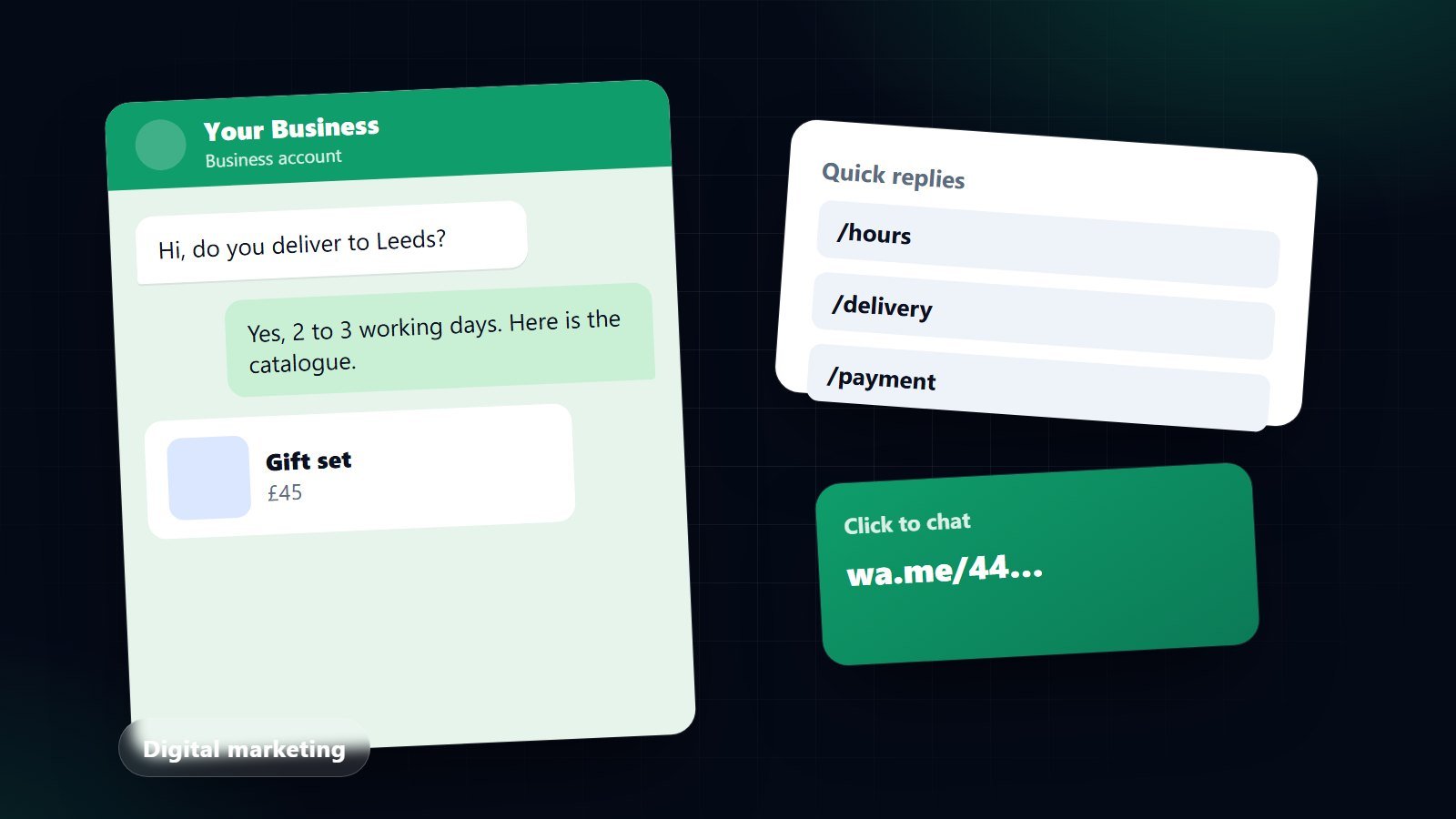
Quick replies are saved messages you can insert by typing a shortcut. Create them for your most common questions: prices, opening hours, location, delivery times, how to book, and payment details. Keep each message friendly and personalised before you send. Use labels such as "New enquiry", "Quote sent", "Awaiting payment" and "Completed" so nothing slips through the cracks. At the end of each day, review the "New" and "Awaiting reply" lists.
Connect your website to WhatsApp
A click-to-chat link opens a conversation with your number and, if you wish, a pre-filled message. The format is https://wa.me/<number>, where the number is in international format with no plus sign or spaces. You can add ?text= followed by a URL-encoded message, for example one that mentions the product or page the visitor is on. Place the button where people have questions: product pages, pricing, the contact page and the footer. Keep the standard contact form as well, because some visitors prefer email, and your records stay organised in one place.
Make sure the button is easy to tap on a phone and that the number really belongs to someone who will reply. Track clicks as an event in your analytics so you can see which pages generate conversations. Our guide to GA4 and Search Console setup explains how.
Reply habits that win business
- Reply fast. Even a short "Thanks, we will come back to you within the hour" is better than silence.
- Be clear and brief. Short paragraphs, one question at a time.
- Move from chat to action. Offer the next step: a quote, a booking link, a payment method or a call.
- Confirm in writing. Summarise prices, dates and what is included, because chats are easy to misread.
- Know when to switch channel. Complex projects often need a call or a written proposal. Our instant quote builder can produce one you can send back in the chat.
- Use voice notes sparingly, and never for prices or commitments.
Permission and privacy
A customer who messages you first has opened a conversation, and you can reply about their enquiry. Sending unsolicited promotional messages, adding people to broadcast lists without asking, or messaging contacts you scraped from elsewhere is a different matter. WhatsApp's business terms require consent for outbound messages, and in the UK, direct marketing by electronic message is governed by PECR and UK GDPR. Keep it simple: ask people whether they want updates, record the answer, and make it easy to say no.
Treat customer details with care. Do not share conversations or screenshots without permission. Mention WhatsApp in your privacy policy if you use it for customer communication, and restrict who has access to the business phone.
What not to do
- Do not run the business number on a personal phone that also holds private chats.
- Do not promise anything in chat that you cannot deliver.
- Do not add customers to groups without asking.
- Do not send bulk marketing messages through the ordinary app, as it risks your number being restricted.
- Do not rely on WhatsApp as your only record. Copy key details into your CRM or spreadsheet.
Used well, WhatsApp is a fast, friendly way to answer questions and close sales. It works best when it is joined up with a website that explains clearly what you do. If you would like help connecting the two, talk to us.