SEO
How to get more Google reviews for your business, honestly and within the rules
Reviews influence both local search visibility and whether people contact you. Here is how to ask for them properly, what Google does not allow and how to respond to the bad ones.
By Zafirox Tech Team · · 3 min read
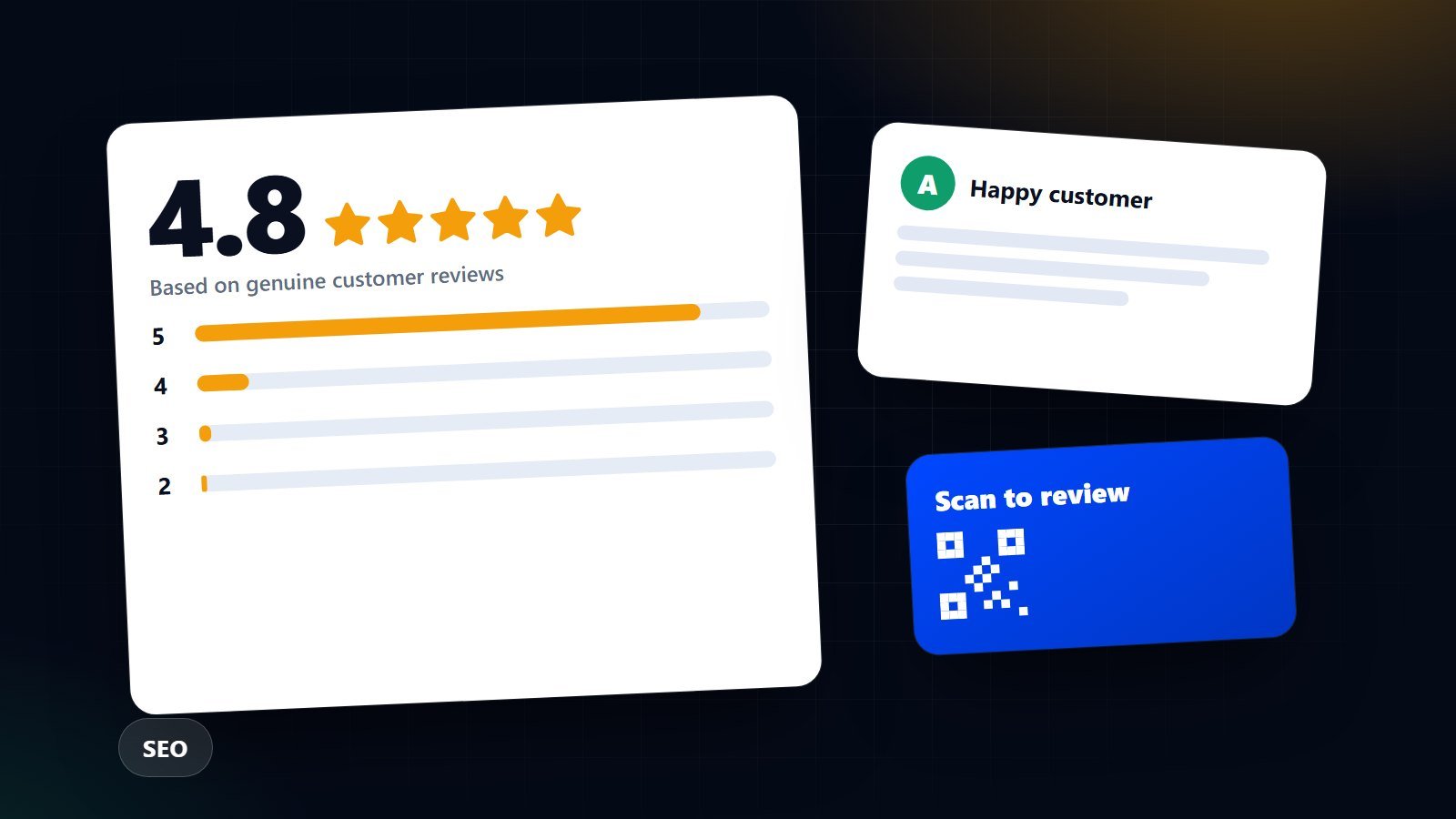
When people search for a local business, they look at the stars and the comments before they look at anything else. Reviews affect whether someone clicks, calls or chooses your competitor. Google has also said that review quantity, quality and relevance can influence local results. The good news is that most satisfied customers are happy to leave one if you ask in the right way.
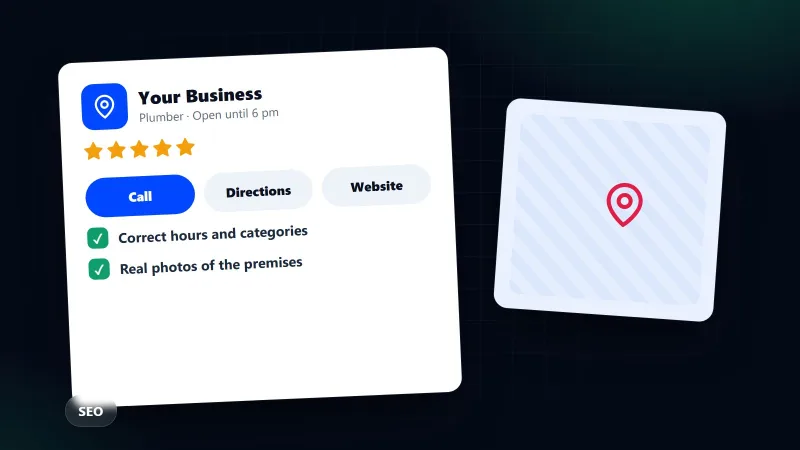
Start with a good Google Business Profile
Reviews appear on your profile, so make sure it is claimed, accurate and complete first. Our local SEO guide covers how to set that up.
Make it easy to leave a review
- Sign in to the Google account that manages your Business Profile.
- Find the option to share a review form or copy your review link. It opens the review box directly.
- Use that link in emails, text messages and on a QR code that customers can scan.
Every extra step you remove increases the number of people who finish the job.
When and how to ask
- Ask at the right moment. Right after a job is completed, a purchase is delivered or an appointment goes well, while the experience is fresh.
- Ask personally. A short message from a real person works better than a generic mass email.
- Keep it simple. "If you were happy with our service, would you mind leaving a quick Google review? Here is the link. It really helps a small business like ours."
- Send one polite reminder, not a series of them.
- Make it part of your routine. Add it to your aftercare email, receipt or invoice follow-up so it happens every time.
What not to do
- Do not buy reviews or write them yourself. Fake reviews break Google's policies, and UK consumer law now specifically prohibits them.
- Do not offer rewards for reviews. Incentivised reviews are against Google's rules and can mislead other customers.
- Do not "gate" reviews. That means asking customers whether they were happy and only sending the happy ones to Google. Google's policies do not allow selectively soliciting positive reviews.
- Do not ask staff or family to post reviews that present themselves as independent customers.
Policies change, so check Google's current review guidelines. The risk is real: reviews can be removed and profiles can be penalised.
How to respond to reviews
Positive reviews
Say thank you, mention something specific and keep it short. Responding shows you are active and that you value customers.
Negative reviews
- Wait until you have calmed down, then reply politely and professionally.
- Thank them for the feedback and apologise where something went wrong.
- Offer to resolve it offline, with a phone number or email address, and avoid sharing private details in public.
- Do not argue or accuse. Future customers read your reply as much as the review.
If a review is fake, abusive or breaks Google's policy, you can report it for removal, but a genuine negative review is not a reason to ask for removal.
Show reviews on your website
You can reference your Google reviews on your site, but only show testimonials you have the right to use and never alter them. Keep any star rating or review markup accurate, since misleading structured data can cause search problems. Reviews are most useful on service and contact pages, where visitors are making up their minds.
Measure it
Track your total number of reviews, your average rating, how recently you received them and how many people call, request directions or visit your website from your profile. A steady trickle of fresh reviews is better than a flood followed by silence.
If you would like help setting up your profile and a simple review process, see our local SEO and Google Business Profile service or get in touch.