SEO
Google Business Profile: a setup and improvement checklist
Your Google Business Profile is often the first thing a local customer sees. Set it up correctly, keep it accurate and follow the rules.
By Zafirox Tech Team · · 4 min read
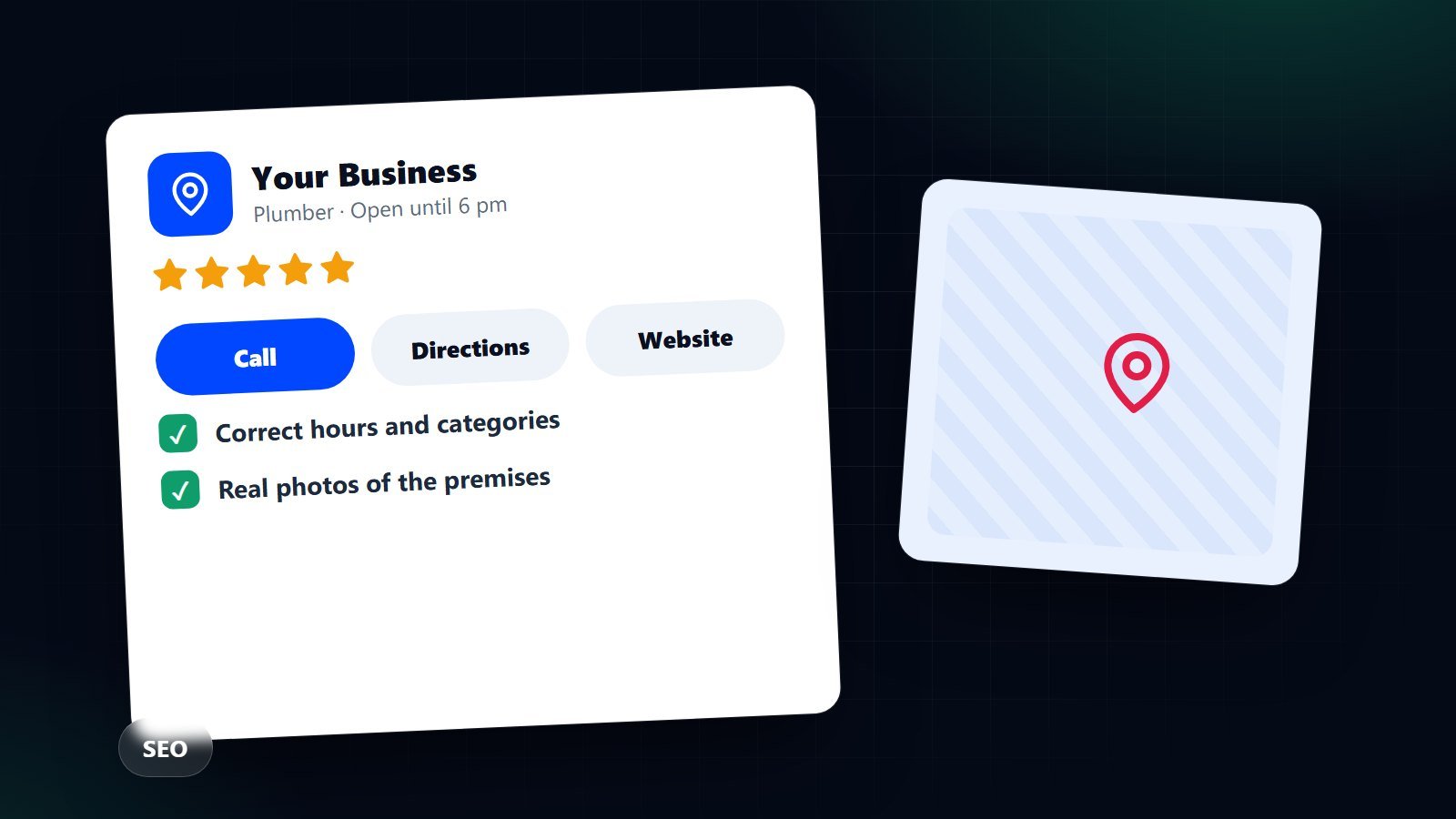
When someone searches for a business "near me", Google often shows a map and a short list of local businesses before it shows any website. Each entry comes from a Google Business Profile. It is free, it is controlled by you, and for many local businesses it brings more calls than the website does. It is also one of the easiest things to get wrong, so here is a clear checklist.
Who can have a profile
Google's rules are aimed at businesses that serve customers in person, either at a premises or by visiting customers (a plumber, a mobile hairdresser, a cleaner). A business that only operates online, or a virtual office used as a mailing address, is generally not eligible. If you are unsure, read Google's current guidelines for your type of business before you start, because eligibility mistakes can lead to a suspended listing.
1. Create or claim the listing
- Search for your business first. If a listing already exists, claim it instead of creating a duplicate.
- Use a Google account the business owns, not an employee's personal address.
- Choose whether customers visit you (show the address) or you travel to them (hide the address and list a service area).
2. Name, address and phone: keep them consistent
Your business name must be the real name customers know, as it appears on your signage and invoices. Do not add keywords or locations to the name to try to rank higher, because that is against Google's guidelines and a common reason for suspension. Use the same name, address and phone number everywhere: your website, social profiles, directories and your profile. Small differences confuse people as well as search engines.
3. Pick the right categories
The primary category is the most important choice. Pick the one that best describes your main business, not the broadest one. Add a few secondary categories for genuinely separate services. Look at what the businesses ranking above you use, but only copy what is true for you.
4. Opening hours and special dates
Wrong hours cost sales and cause bad reviews. Set regular hours, add holiday hours in advance and update them whenever things change. If you work by appointment, say so in the description.
5. Services, products and description
- Write a description in plain language: what you do, who you serve and what makes you different. Avoid prices, promotions and web addresses that Google's guidelines do not allow in the description.
- List each service with a short explanation. These are searchable and help customers decide.
- If you sell products, add your best sellers with photos and clear names.
6. Photos that show the truth
Add real photos of the exterior (so people can find you), the interior, your team and your work. Use good natural light, avoid heavy filters and do not use stock images pretending to be your premises. Add a few new photos regularly. Customers also upload photos, so a tidy, current set from you keeps the first impression accurate.
7. Verification
Google needs to confirm that you are who you say you are. Depending on your business this can be a postcard, a phone call, an email or a short video. Follow the steps exactly and be ready to show the premises, signage and equipment if a video is requested. Until verified, your profile may not appear properly.
8. Link to the right page
Point the website button at the page that best serves a visitor from the map: often the home page for a single-location business, or a dedicated location page if you have several branches. Make sure that page shows the same address, hours and phone number, plus a clear way to call or enquire. If you track visits, add campaign tags to the link so you can see profile traffic in your analytics.
9. Reviews
Reviews influence both rankings and decisions. Ask every happy customer, make it easy with a direct link, and reply politely to all reviews, the critical ones especially. Never buy reviews, offer rewards in exchange for them or filter who you ask, as those practices break Google's policies and consumer law. Our guide to getting more Google reviews, honestly and within the rules goes through the details.
10. Keep it alive
- Check the profile monthly for edits suggested by users and for any information that has changed.
- Add updates and offers when you have something real to say.
- Review performance data to see how many people call, request directions or visit the website.
- Delete duplicates and mark closed branches correctly.
Mistakes that lead to trouble
- Keyword-stuffed business names.
- Using a P.O. box, a virtual office or a co-working address when you have no staff there.
- Several profiles for one location.
- Changing important details repeatedly in a short time, which can trigger re-verification.
- Ignoring negative reviews.
The profile works best alongside a website with strong local pages, as covered in our practical local SEO guide. If you would rather have it set up and managed for you, see our Local SEO and Google Business Profile service.