SEO
How to write product pages that sell and get found
Thin manufacturer descriptions do not convince shoppers or rank well. A practical structure for product titles, descriptions, photos, delivery and returns.
By Zafirox Tech Team · · 4 min read
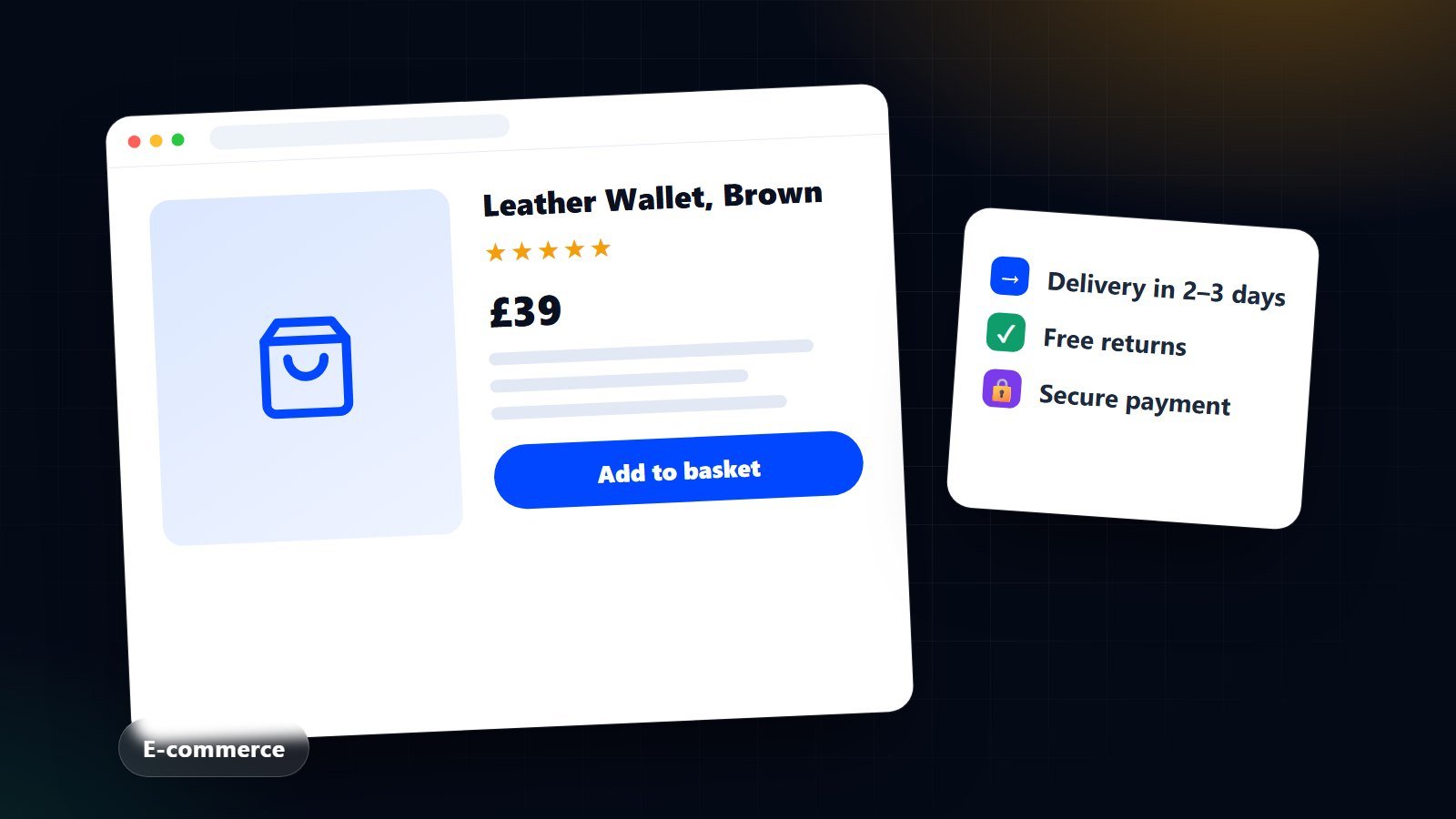
A product page has two readers: a shopper who wants to know whether this is right for them, and a search engine trying to decide what the page is about and whether to show it. The good news is that they want almost the same thing. A page that answers a shopper's questions clearly is also a page that is easy to understand and rank.
Start with the shopper's questions
Before you write a word, list what a customer wants to know before buying: What is it? Who is it for? Will it fit or work with what I have? What is it made of? How do I use or care for it? How much is delivery, how long does it take and what if I need to return it? If your page cannot answer these in a few seconds, shoppers leave and ask a competitor.
1. The product title
- Say plainly what the product is, followed by the details people search for: brand, type, size, colour, model or fragrance family.
- Keep it readable. "Men's Waterproof Walking Boots, Brown, Size 9" is clearer than a string of keywords.
- Make every title unique. Identical titles across variants confuse shoppers and search engines.
2. A description that is yours
Copying the manufacturer's text means your page says the same as every other shop that sells the item, and search engines have little reason to prefer yours. Write your own. A useful structure is:
- One or two sentences of summary in plain language: what it does and for whom.
- Key benefits as a short list, each describing a result rather than a feature.
- Specifications in a tidy table: dimensions, materials, capacity, ingredients, compatibility, what is in the box.
- Usage or care notes.
- Honest limits: who it is not for. This builds trust and reduces returns.
Avoid claims you cannot prove. In the UK, descriptions must not mislead, and health, safety or "best" claims need evidence. For items such as fragrances, cosmetics or food, include the information the law requires for your category, and check the rules with a qualified adviser.
3. Images and video
- Show the product from several angles, in use and for scale next to a familiar object.
- Use consistent backgrounds and lighting so the catalogue looks professional.
- Compress images so pages load quickly, especially on mobile data. Slow pages lose sales.
- Write descriptive alternative text, such as "brown leather walking boot, side view", for accessibility and image search.
- A short video of the product in use can answer questions that photos cannot.
4. Price, stock and delivery up front
Surprise costs are one of the main reasons people abandon a basket. Show the price clearly (including VAT for UK consumers), say whether it is in stock, and show delivery cost and time on the page itself or one click away. If you ship to several countries, show the currency and the options that apply to the visitor. For markets where cash on delivery matters, say whether it is available and any limits. Our guide to building an online shop for cash on delivery and local payments goes into this.
5. Returns and trust
Place a short returns summary near the buy button and link to the full policy. In the UK, most online purchases by consumers carry a statutory cancellation right, so make sure your policy reflects the law that applies to you. Show secure payment options, a real contact method and your company details. Reviews help, provided they are genuine. If you use review stars, display them only for reviews you actually hold.
6. Make it findable
- Page title and description: write them for the search results page. Include the product name and one persuasive detail, such as free delivery or a key feature.
- A clean web address containing the product name rather than numbers.
- Structured data (Product markup) so search engines can understand price, availability and ratings. Shopify and WooCommerce themes often add this, but check that it matches what is on the page.
- Internal links from the matching category page, related products and relevant blog guides.
- Variants: decide whether sizes and colours live on one page or separate pages, and avoid creating many near-duplicate pages with no distinct content.
7. Category pages matter too
Shoppers often search for a type of product ("leather wallets", "men's perfume gift sets") rather than a name. Give each main category a short, helpful introduction, sensible filters and links to subcategories. Keep the text above the products brief and put longer buying guides lower down or in an article.
A quick audit for any product page
- Could I buy this with confidence using only what is on the page?
- Is every important question answered without scrolling endlessly?
- Is the text original, accurate and free of exaggeration?
- Do the photos load fast and show the real item?
- Are price, stock, delivery and returns visible?
- Does the page work comfortably with a thumb on a phone?
Platform choice affects how easily you can do all this, so read Shopify or WooCommerce: choosing a platform if you are still deciding. For help building or improving a store, see our Shopify and e-commerce development service.