Web development
How to write a service page that turns visitors into enquiries
Your service pages do the selling. A clear structure, from the headline to the call to action, that answers visitors' questions and helps the page rank.
By Zafirox Tech Team · · 4 min read
Your home page introduces you, but your service pages do the selling. They are where someone who searched for "accountant in Leeds" or "Shopify developer" decides whether to contact you or go back to the results. Many service pages are vague lists of capabilities. The best ones read like a good conversation: they confirm the visitor is in the right place, answer their worries and make the next step obvious.
One page, one service, one audience
Give each main service its own page rather than squeezing everything onto one. A page about "web design, SEO, branding and social media" ranks for nothing in particular and persuades nobody. Where a service has distinct audiences or locations, consider separate pages with genuinely different content for each.
1. A headline that names the service and the result
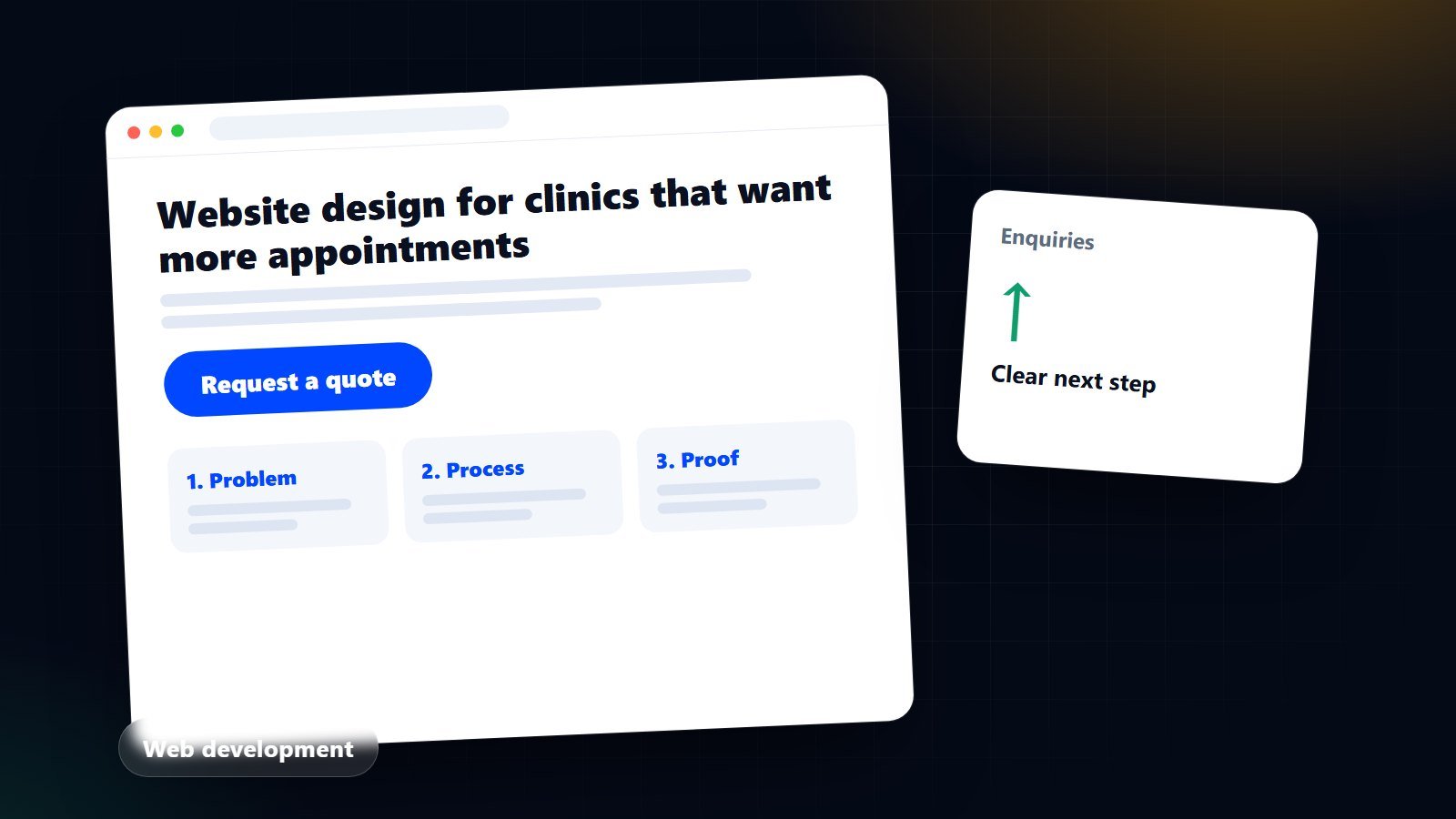
Say what you do and for whom in the main heading. "Website design for UK clinics that want more appointments" beats "Welcome to our services". Follow it with one or two sentences that confirm the visitor is in the right place, then a visible call to action such as "Request a quote".
2. The problem, in the customer's words
Briefly describe the situation that brings people to you: a site that does not generate enquiries, ads that burn money, a shop that gets visitors but few sales. Use the phrases customers use in emails and calls. When people see their own problem described accurately, they trust that you understand it.
3. What you do and what they get
Explain the service in terms of outcomes and deliverables. A list of features is not enough; each should be linked to a benefit:
- "Mobile-first design" becomes "your site is easy to use on the phone most of your customers use".
- "Technical SEO audit" becomes "we find and fix the problems that stop Google showing your pages".
Be specific about what is included and what is not. It prevents misunderstandings and signals honesty.
4. How it works
A short, numbered process lowers anxiety about the unknown: discovery call, proposal, build or campaign, review, launch, ongoing support. Include timescales as honest ranges, and say what you need from the client and when.
5. Proof
People believe evidence more than adjectives. Use whatever is genuine and permitted:
- Case studies with the goal, the work done and the outcome. Link to the live project if the client agrees. See how we present ours in our portfolio.
- Reviews and testimonials from real clients, with names where possible.
- Qualifications, memberships and certifications that matter to buyers.
- Numbers you can stand behind. Never invent or exaggerate results, and avoid promising rankings or revenue.
6. Guidance on price
Visitors want to know whether you are in their range. If you can, give a starting price, a typical range or an explanation of what drives the cost. If every project is different, say so and describe the factors, as we do in what affects the cost of a business website. Pages that refuse to give any indication tend to lose the visitors who most need reassurance. An online tool, such as our instant quote builder, can give a priced starting point without a phone call.
7. Frequently asked questions
Add five to eight real questions from sales conversations: how long, how much, what do I need to provide, what happens after launch, can I update it myself. Answer each in two or three sentences. FAQs help visitors decide and often match the questions people type into search.
8. A clear, repeated call to action
Do not make visitors hunt for the next step. Offer one primary action, such as "Request a quote" or "Book a free call", at the top, in the middle and at the bottom of the page, plus a lower-commitment option like a phone number or WhatsApp link for those who are not ready. Make the form short: name, email, a message, and only the extra fields you really need. Say what happens next ("we reply within one working day").
Writing for search without writing for robots
- Use the main phrase in the page title, heading, introduction, web address and a few natural places in the text. Then write for people.
- Write a title and description that make someone want to click, not just a list of keywords. Our guide to free keyword research shows how to choose the phrase.
- Link to related services, case studies and guides with descriptive link text.
- Add local details if you serve a specific area: places, landmarks, typical clients.
- Keep the page fast and easy to use on a phone. See Core Web Vitals explained.
A checklist before you publish
- Does the headline say what you do and for whom?
- Would a stranger understand what is included and what is not?
- Is there real evidence on the page?
- Have you answered the questions that appear in your enquiries?
- Is there an obvious next step on every screen of the page?
- Is the page accurate, free of exaggerated claims and fast on a phone?
Treat each service page as a living document. Check enquiries and analytics every few months, then improve the wording where visitors hesitate. If you would like a second opinion on your own pages, or help writing them, contact us.