Web development
The website launch checklist: what to check before you go live
Forms that do not send, a missing privacy page, a site hidden from Google. Work through this practical pre-launch checklist so nothing embarrassing goes live.
By Zafirox Tech Team · · 4 min read
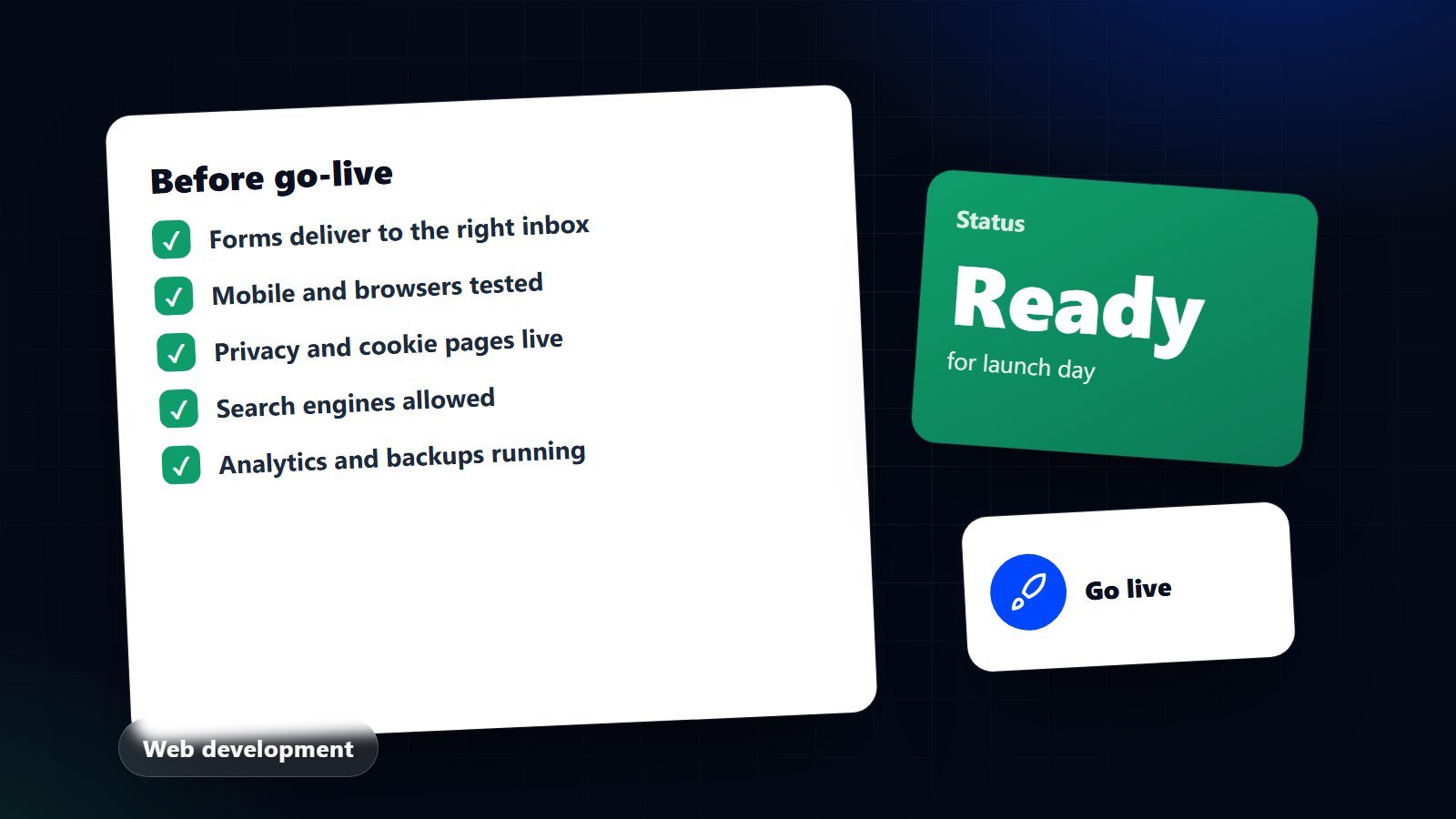
Launch day should be dull. The excitement belongs earlier, in the design and the build. If launch day is dramatic, it usually means something was left unchecked: a contact form that goes nowhere, a page still full of placeholder text, a site that tells Google to ignore it. This checklist is written for business owners and the people who manage them. Print it, assign each line to a person and tick it off on the staging site, not the live one.
1. Content
- Read every page out loud. You will catch typos, repeated sentences and leftover placeholder text.
- Check facts: phone numbers, email addresses, opening hours, prices, addresses, team names and spellings.
- Every image has a job and a description. Add meaningful alternative text so people using screen readers get the same information.
- Remove test content: sample products, dummy posts, "test" enquiries.
- Dates and years: make sure the footer copyright and any "last updated" notices are right.
2. Forms and messages
Submit every form yourself, from a phone and from a computer, with real details. Confirm that:
- The message arrives in the right inbox and not in spam.
- The visitor sees a clear confirmation after sending.
- Error messages are helpful if a field is missing.
- The enquiry is also stored somewhere safe, so a failed email never loses a lead.
- Click-to-call, email and WhatsApp links open the right app with the right number.
For online shops, place a test order and pay with each method you offer, including cash on delivery if you use it. Check the confirmation email, the order record and the stock count.
3. Mobile, browsers and layout
Most visitors will use a phone. Open the site on at least one Android phone and one iPhone, and on the common desktop browsers. Look for text that is too small, buttons that are hard to tap, menus that do not open, and images that push the page sideways. Rotate the phone to landscape. Zoom the browser text up and check nothing breaks.
4. Speed
Run the main pages through a speed testing tool and look at real numbers rather than impressions. Large uncompressed images are the most common cause of slow pages. If the terms in the report are unfamiliar, our guide to Core Web Vitals for business owners explains them in plain English.
5. Accessibility
- You can reach every link, button and form field using only the keyboard, and you can always see where you are.
- Text has enough contrast against its background.
- Headings follow a sensible order and every form field has a visible label.
- Videos have captions where speech matters.
See website accessibility basics for UK businesses for the reasoning and a simple testing routine.
6. Legal and trust pages
- A privacy policy that describes what you actually collect and why.
- A cookie notice that matches what the site really does. Analytics and marketing tags should wait for consent where the law requires it. Our UK GDPR and PECR cookie guide covers this.
- Terms for sales, delivery, returns and refunds if you sell online.
- Company details your location requires, such as registered name, number and address.
These pages are a starting point for a conversation with a qualified adviser, not a substitute for one.
7. Search and sharing
- Each page has its own title and description that read well in search results.
- The site is not set to discourage search engines. Staging sites should be hidden; the live one must be open. This is the most common launch mistake, so check it twice.
- A sitemap exists and is ready to submit to Google Search Console.
- Old addresses redirect to their new equivalents.
- Pasting a page link into WhatsApp or social media shows a sensible title and image.
8. Tracking
Install analytics before launch, not after, so you have a baseline from the first visit. Set up goals for the actions that matter: form submissions, calls, purchases. Our guide to setting up GA4 and Search Console walks through it.
9. Security and backups
- The site loads over HTTPS everywhere, with no mixed-content warnings.
- Admin accounts use strong, unique passwords, and two-step login where available.
- Default accounts and demo users are removed.
- An automatic backup runs, and someone has tested restoring it.
- Error pages are friendly, and detailed error output is switched off.
10. After you press the button
- Visit the live site on a phone and on a computer and click through the main journeys.
- Send a real enquiry and complete a real purchase if you sell online.
- Submit the sitemap to Google Search Console and check the live pages are not blocked.
- Watch for crawl errors and broken links for the first two weeks.
- Book a review a month later to look at what visitors actually did.
Launching is the start of a site's working life, not the end of the project. If you would like a second pair of eyes on a site before it goes live, get in touch and we will review it with you.