Web development
Website hosting explained for business owners
Shared, VPS, cloud or managed? What hosting actually does, what to compare beyond the price, and the questions to ask before you pay for a year.
By Zafirox Tech Team · · 4 min read
Your website is a collection of files and a database. Hosting is the service that keeps those files on a computer connected to the internet all day, every day, so visitors can load them. Your domain name is the address that points to that computer. People often confuse the two, and many businesses discover the difference only when something goes wrong. A little understanding up front makes a big difference to speed, security and cost.
What hosting affects
- Speed. A slow server makes every page slower, whatever the design.
- Reliability. If the server is down, so is your business online.
- Security. Updates, firewalls and isolation between customers protect you from attacks.
- Recovery. Backups decide whether a mistake or a hack costs you an hour or a month.
- Growth. Some plans cannot cope when traffic or product numbers rise.
The main types, in plain English
Shared hosting
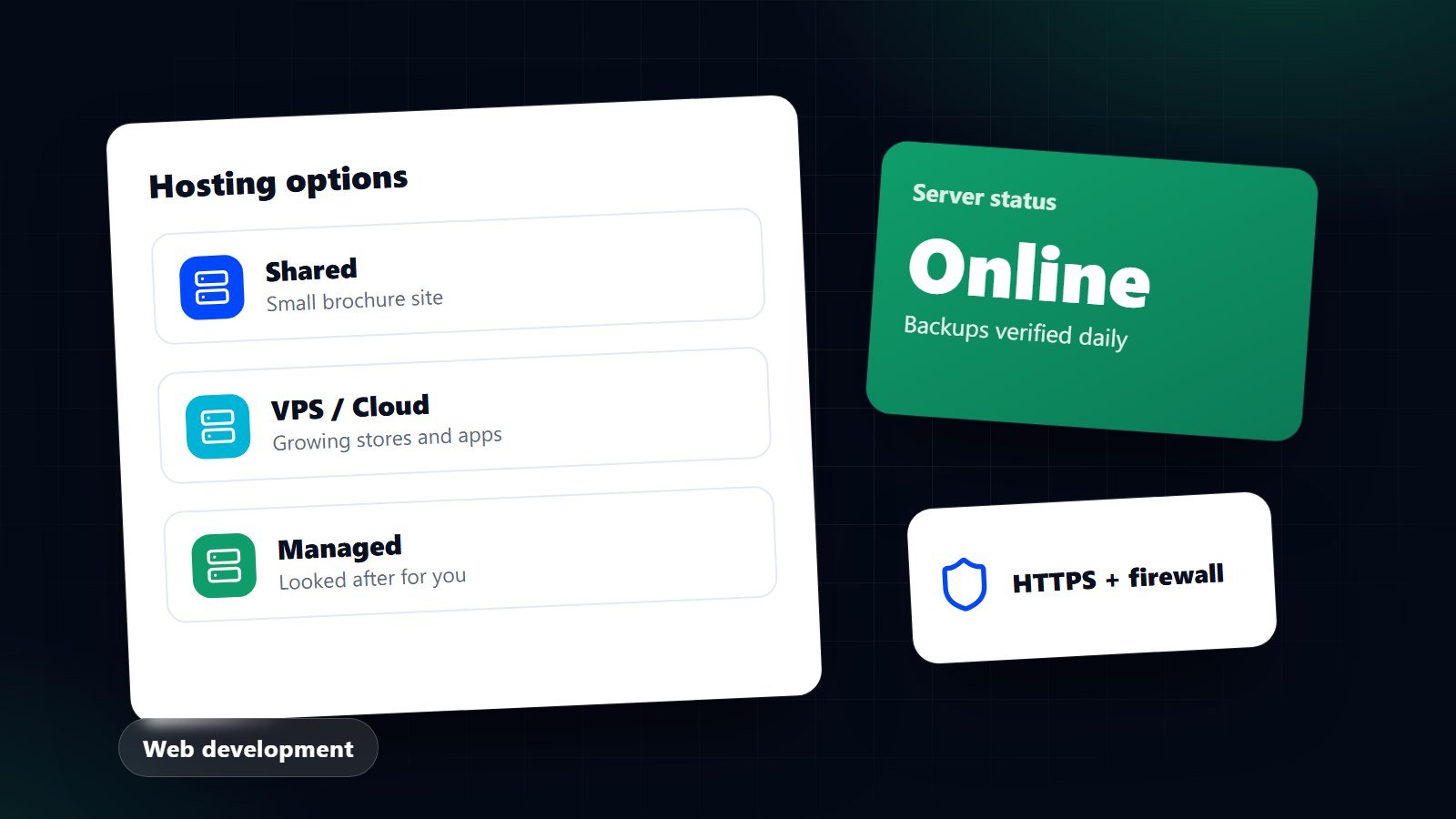
Many websites share the resources of one server. It is the cheapest option and perfectly reasonable for a small brochure site or a modest blog. The trade-off is that a busy neighbour can slow you down, you have limited control over the server, and performance varies between providers.
Virtual private server (VPS)
You get a reserved share of a server's resources and more control over the software. It suits larger sites, custom applications and stores with steady traffic, but someone needs to manage and secure it unless the plan is managed for you.
Cloud hosting
Your site runs on a flexible pool of servers, so resources can scale up or down. It suits businesses with variable traffic or high reliability needs, and costs depend on usage.
Managed hosting
The provider looks after updates, security, backups and performance tuning for a particular platform, for example WordPress or Shopify. You pay more, and you save time and risk.
Hosted platforms
Platforms such as Shopify include hosting in the monthly price. You do not manage servers at all, which is a big advantage for online shops. The trade-off is less freedom to change how things work behind the scenes.
What to compare besides price
- Location of the servers. Closer to your visitors usually means faster pages. If most customers are in the UK, choose UK or nearby European data centres. If you serve Pakistan as well, ask how the provider handles visitors from there, for example through a content delivery network.
- Software versions. Make sure the server supports a current, maintained version of PHP or whatever your site needs. Old versions are slower and stop receiving security fixes.
- Backups. Ask how often they run, how long they are kept, where they are stored and how quickly a restore can happen. Better still, keep your own copy in a separate location.
- Security features. Look for free HTTPS certificates, a web application firewall, malware scanning, protection against brute-force logins and account isolation.
- Support. Is it available when you need it, and does it include real technicians? Test it with a pre-sales question.
- Uptime commitments. Read the exact promise and what remedy applies if it is missed.
- Limits. Storage, bandwidth, email accounts, database size and the number of simultaneous processes can matter more than the headline price.
- Email. Business email can be bundled or separate. Many companies prefer a dedicated email service, so a website problem never stops their mail.
- Renewal price. Introductory offers often rise sharply at renewal. Check the long-term cost before you commit.
- Exit. You should be able to download your files and database and move elsewhere without penalty.
Who should own the account
Register the hosting and domain accounts in your business's name, with an email address you control, and keep the logins in a password manager. Your agency can be added as a collaborator. If everything is in a freelancer's or agency's name, you risk losing your site if the relationship ends. Ask, in writing, who owns what, as covered in our guide to choosing a web design agency.
Hosting and speed
Hosting is one factor in how fast your pages feel. Page weight, images, scripts and caching also matter. A good host with a heavy, unoptimised site will still be slow. Check real measurements, and see our explainer on Core Web Vitals for what to look at.
Common mistakes
- Choosing the cheapest plan for an online shop that needs to handle checkout reliably.
- Assuming backups exist without ever testing a restore.
- Leaving the site on old software because "it still works".
- Paying for years in advance with a provider you have not tested.
- Forgetting domain renewals, which can take a site offline overnight. Turn on auto-renew and diarise the date anyway.
A simple way to decide
A five-page brochure site: good shared or managed hosting is usually enough. A WordPress site that earns real money: managed hosting or a well-looked-after VPS. An online shop: a hosted platform, or well-specified managed hosting. A custom application: a VPS or cloud setup with proper monitoring and a deployment process. Whatever you choose, regular care matters as much as the platform. Our article on what website maintenance includes describes it. If you would like advice for your own project, get in touch.