Web development
Website maintenance: what it includes and why it matters
A website is not finished at launch. Here is what ongoing maintenance covers, how often each task is needed and what to look for in a support plan.
By Zafirox Tech Team · · 3 min read
Many businesses treat a website like a printed brochure: build it once and forget it. In reality a website is closer to a shop. It needs regular care to stay safe, fast and accurate. Maintenance is the routine work that keeps everything running and catches small problems before they become expensive ones.
What website maintenance usually includes
Software updates
Whatever your site runs on, whether WordPress, Laravel or another platform, its core software, themes, plugins and libraries receive updates. Many of them fix security weaknesses. Skipping updates is one of the most common ways websites get hacked.
Backups
A backup is only useful if it is recent, stored away from the website and tested. A sensible plan keeps daily database backups and regular file backups, stored off the server, with a known way to restore them.
Security monitoring
This includes strong passwords, two-step login for admin accounts, limiting who has access, removing unused accounts and plugins and watching for unusual activity. Use HTTPS and keep your SSL certificate renewed.
Uptime and performance checks
Monitoring tells you if the site goes down, often before your customers notice. Regular speed checks catch problems such as oversized images or heavy scripts. See our explanation of Core Web Vitals for the measurements worth watching.
Broken links and forms
Links break when pages are moved or other sites change. Contact forms stop sending when email settings change. Testing these regularly protects enquiries you might otherwise never know you lost.
Content review
Out-of-date prices, opening hours, team photos and services damage trust. Schedule a periodic review of key pages, and update details such as copyright years and legal pages.
Search and analytics checks
Check Google Search Console for indexing errors and manual action messages, confirm tracking still works and review which pages bring enquiries.
How often should each task happen?
- Daily or continuous: backups and uptime monitoring.
- Weekly or fortnightly: security and software updates, with testing after each.
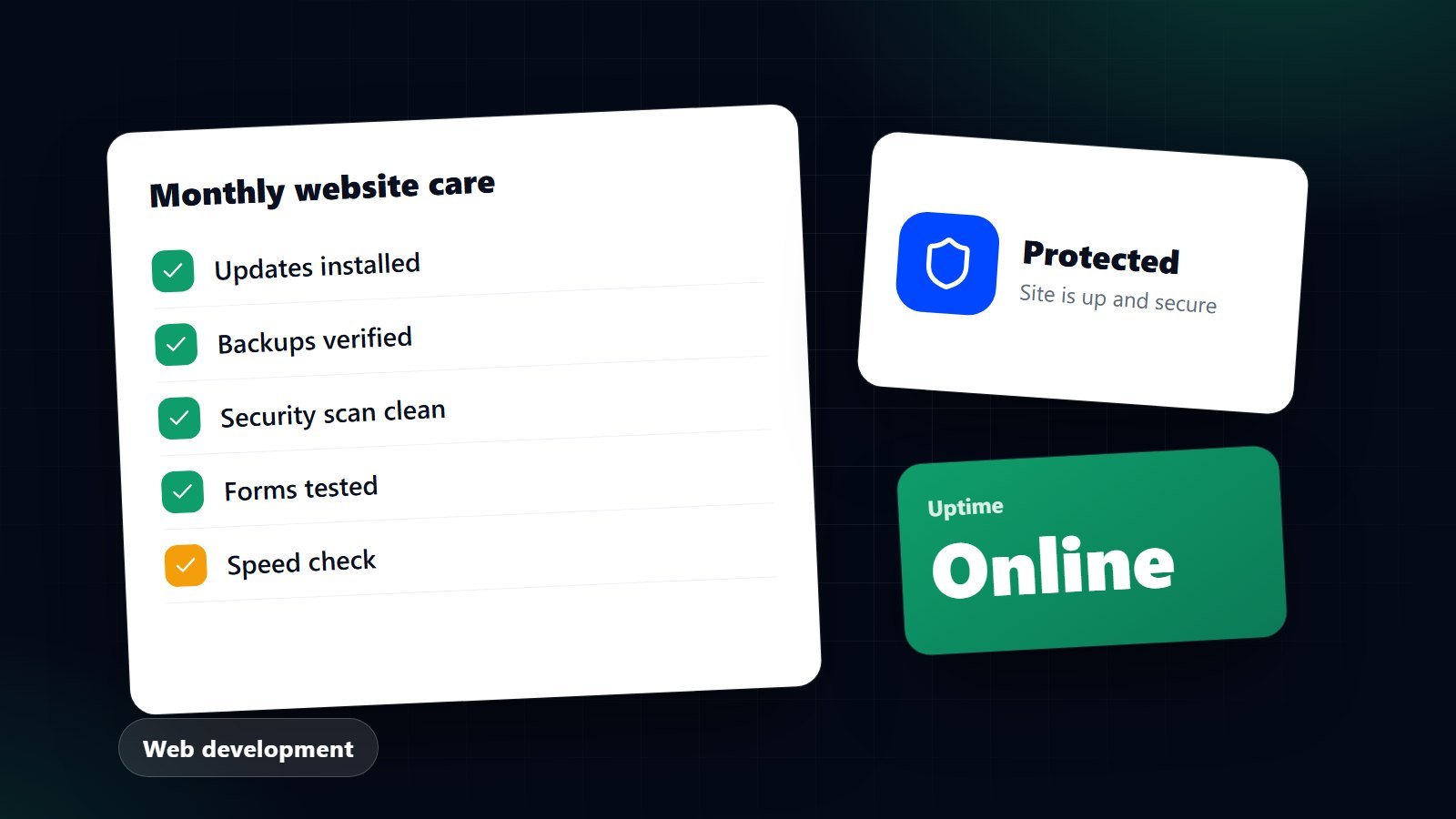
- Monthly: form tests, broken link checks, speed review and a look at Search Console.
- Quarterly or twice a year: content review, accessibility and security audit, review of user accounts and a restore test of a backup.
What goes wrong without maintenance
- A plugin vulnerability lets someone insert spam or malware, and search engines warn visitors away.
- An update breaks a form and enquiries silently stop.
- The site gets slower month by month until people leave.
- An expired certificate shows a security warning in the browser.
- Something fails and there is no usable backup.
Choosing a maintenance plan
Whether you do it in-house or pay a supplier, check these points:
- A written list of what is covered and how often.
- Where backups are kept and how quickly the site can be restored.
- Response times for urgent problems.
- Whether small content changes are included or charged separately.
- Clear reporting on what was done each month.
- No lock-in: you should still own your site and be able to move it.
Costs vary with the size and complexity of the site, so ask for a quote based on your actual setup rather than a generic price.
If you would like us to look after your website, or review the one you have, see our website design and development service and get in touch. If you are thinking about replacing an ageing site instead, read signs your website needs replacing.